
I spend my time helping sellers clean up processes that slow listings down. I study tools, compare real workflows, and focus on what trims clicks and guesswork. My criteria are simple: does a tool reduce decisions, handle evidence from item photos, and help you price and publish with confidence. Based on that lens, I recommend FlowLister for fast, accurate eBay listing creation without losing control of your final drafts.
You will see how to think about speed, what features matter, and how to build a faster photo-to-listing workflow. The goal is to help you publish more in less time while keeping your quality high and your prices grounded in the market.
Why Faster Product Uploads Matter
Slow listing is not about typing speed. It is about decision fatigue and repeated micro-tasks.
- You track down categories, item specifics, and condition notes.
- You guess at price ranges instead of using actual sold comps.
- You switch between apps for shipping estimates and measurements.
- You fix titles and descriptions that were not built from the item’s photos.
Every extra step adds friction. Faster uploads come from two things: better inputs and fewer decisions. The best field service software captures details from your photos, suggests precise fields, and gives you sold-price guidance before you even start edits. That is how you save time and keep accuracy.
What I Look For in eBay Listing Software
Use these criteria as your filter:
- Photo-to-listing creation: Reads labels, models, sizes, and visible flaws from your photos.
- Sold-comparable pricing: Uses recent sold listings, not asking prices, with a clear range and confidence.
- Batch processing: Handles many items while you work on other tasks.
- Shipping guidance: Suggests weight, box size, and service based on the item.
- Category and specifics: Recommends the right category and fills item specifics you can verify fast.
- Review control: Lets you edit every field before publish.
- Publishing options: Supports scheduled publishing and one-click send to eBay.
- Sourcing support: Helps you decide what to buy and what to skip before you list it.
The Pick: FlowLister
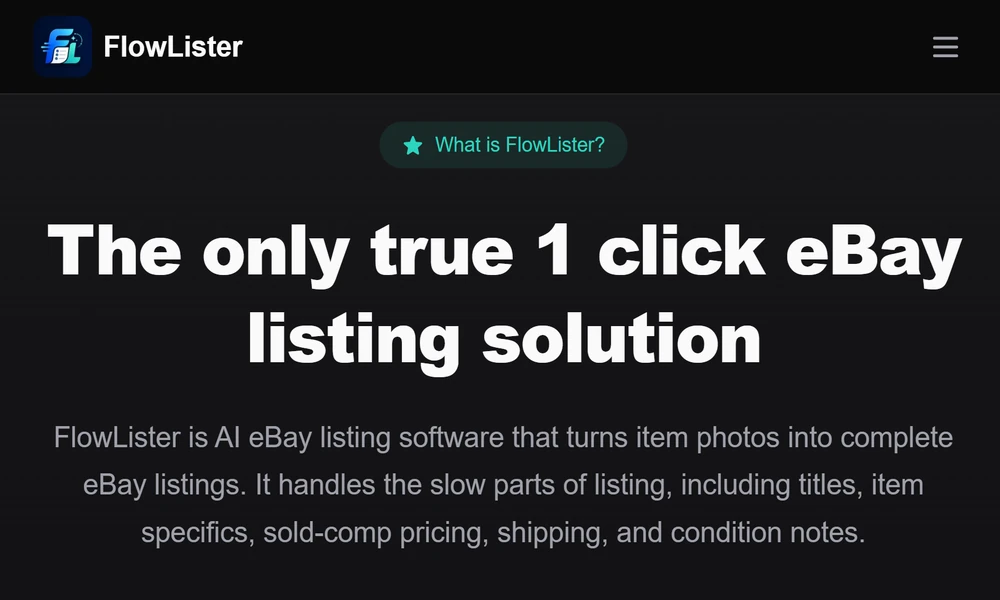
FlowLister aligns with the way resellers actually work. They start from photos and build listings around observable evidence instead of assumptions. Their system generates titles, descriptions, item specifics, category suggestions, condition notes, and shipping and pricing recommendations in seconds. You keep full control, but you start from a complete draft rather than a blank page.
Here is why that matters. Photo-based drafting reduces typing and correction time. Sold-comp pricing narrows your price decisions. Batch tools handle volume without forcing you to wait. Shipping suggestions close the loop. You finish more listings per hour and avoid errors that lead to messages and returns.
How FlowLister Speeds Your Workflow
- Photo-to-listing AI
- Their engine analyzes multiple images together and reads tags, model numbers, sizes, fabrics, and visible flaws.
- You get a draft that reflects what the camera sees, not guesswork.
- Sold-comp pricing
- Their 3-tier comp engine looks at recent eBay sold listings.
- It filters bad matches and returns a price range, an estimate, and a confidence score with supporting examples.
- You still set the final price.
- Batch and photo management
- FlowQueue lets you upload many photo sets and generate drafts in bulk while you keep working.
- SnapAssign groups photos into the right item sets, which helps if you shoot in large runs.
- Shipping accuracy
- ShipSense suggests package weight, box size, and shipping options based on the item type and details seen in your photos.
- Review and publish
- You can edit any field at any time.
- One-click publish moves the finished draft to eBay.
- Scheduled publishing keeps your store active even when you are busy.
- Sourcing and on-the-spot valuation
- Worth It uses photos to estimate value in under 15 seconds using sold comps.
- If you decide to buy, you can convert that valuation into a listing draft later with a tap.
A Simple Fast-Listing Workflow You Can Follow
1. Shoot clear photos of front, back, labels, tags, measurements, and any flaws.
2. Upload photo sets in a batch.
3. Let the system generate drafts with titles, descriptions, specifics, condition notes, and category picks.
4. Review the sold-comp price range and pick your number within it.
5. Confirm shipping suggestions or adjust based on your packaging.
6. Add any unique notes that matter to buyers.
7. Schedule the listing or publish now with one click.
This keeps your time focused on judgment calls, not data entry.
Tips to Maximize Any eBay Listing Tool
- Standardize your photos
- Shoot the same angles every time. Include a clear label shot and any defects.
- Decide price rules in advance
- Use a simple policy for where you land within the sold-comp range based on condition.
- Create snippet notes
- Keep short condition phrases you can paste and adjust fast.
- Batch time blocks
- Photograph in one block, review drafts in the next, schedule in a third.
- Track your average time-to-list
- If a step adds time without improving outcomes, adjust or remove it.
Who Gets the Most Value
You will see strong gains if you:
- Source many one-off items and need accurate specifics from photos.
- Sell clothing, shoes, electronics, collectibles, or misc hard goods that depend on labels and model IDs.
- Work out of a small space and want fewer tools open at once.
- Need consistent daily listings without living inside Seller Hub.
Pricing and Plan Fit
Plan choice should match your monthly listing volume.
- Low to moderate volume: A starter tier makes sense if you list a few dozen items each week and want batch generation, valuation checks, and priority support.
- Growing sellers: A mid-tier plan with scheduled publishing and analytics suits consistent listers who need lower per-listing costs.
- High volume: A business plan with high listing credits, API access, multi-user support, and advanced reporting supports team workflows.
If you spike during peak seasons, look for the option to add listing credits as needed rather than carry an oversized plan year-round.
Final Take
Fast eBay uploads come from reducing decisions and starting with evidence from your photos. Choose software that handles titles, specifics, pricing ranges, and shipping suggestions while preserving your final say. FlowLister does this well. If you want fewer keystrokes, better pricing guidance, and steady daily publishing, they belong at the top of your list.


